Deadly Days: Roadtrip Weapons Guide to 1.0 Upgrades
Explore Deadly Days: Roadtrip weapons, including 10 new 1.0 additions, craftable gear, backpack synergies, and combat changes that shape your next build.
Jump to
How Weapons Work in Version 1.0
Your next damage upgrade might be a better backpack arrangement. Deadly Days: Roadtrip weapons gain power through equipment placement, stacked effects, merging, and crafting, so fitting the right support item beside a weapon can change how it performs. Version 1.0 adds 10 weapons, including five available only through crafting, and brings the combined weapon and item pool to over 110.
Every weapon and support item occupies backpack space. Adjacency effects and selectors determine which equipment receives bonuses, making inventory layout part of combat preparation.
Read each support item's marked spaces before rearranging your loadout. Place weapons where those effects actually reach them, then compare their tooltips. Version 1.0 displays critical hit chance and critical damage on weapon tooltips, giving you more information when choosing between layouts.
Official page: Deadly Days: Roadtrip (store.steampowered.com)
All 10 Weapons Added in 1.0
The October 29, 2026 update expands both melee and ranged options. These are the 10 additions, rather than the complete arsenal.
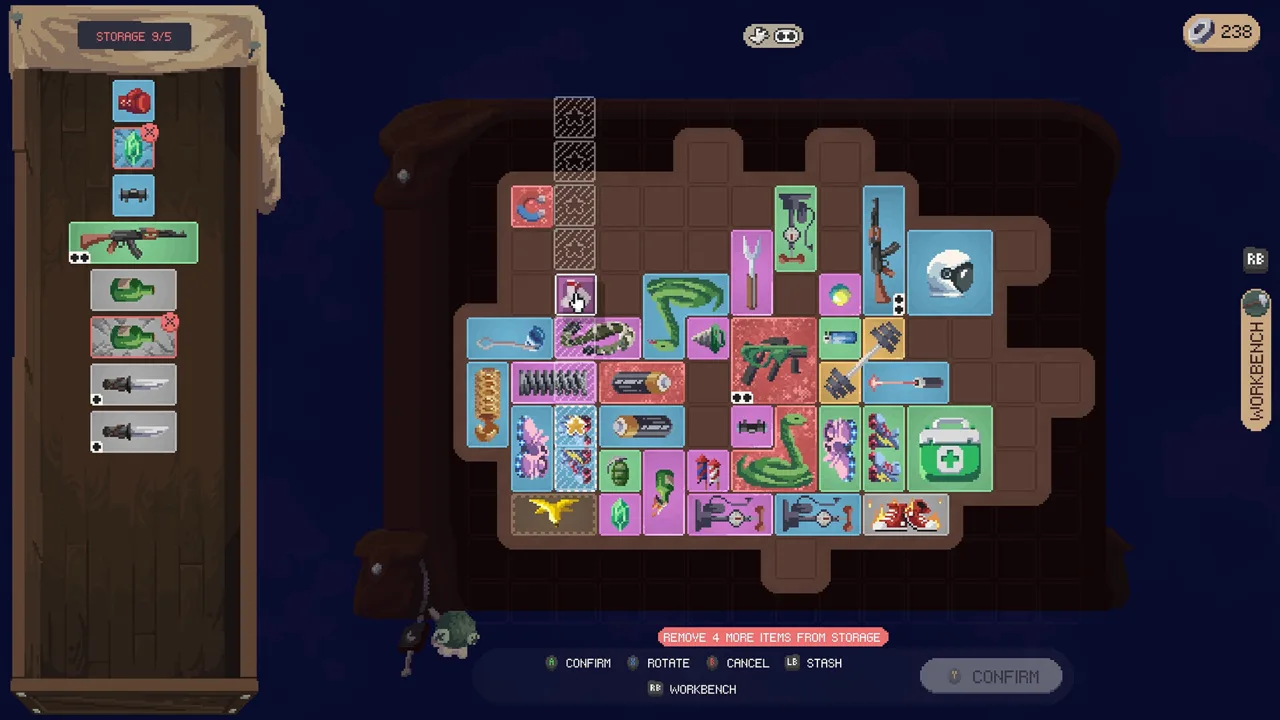 Image: Steam / Pixelsplit
| Weapon | Attack or effect | Crafting restriction |
|---|---|---|
| Crowbar | Melee attacks; increases looting speed | — |
| Machete | Melee weapon with a small sweeping attack | — |
| LMG | Fast firing, but heavy | — |
| Tommy Gun | Fast firing, but inaccurate | — |
| Brass Knuckles | Fast punches at short range | — |
| Flamethrower | Projects flames and leaves damaging fires that can apply Burn | Crafting only |
| Desert Eagle | High damage; pierces one additional enemy | Crafting only |
| Mega Shotgun | Very high damage with numerous pellets | Crafting only |
| Crossbow | Bolts remain embedded in enemies and repeat on-hit effects when triggered | Crafting only |
| The Grinder | Attacks with a spinning, spiked wheel | Crafting only |
The Crowbar's looting-speed bonus gives it utility beyond its melee attacks. The Machete and Brass Knuckles offer different attack patterns: a small sweep versus quick, short-range punches.
Among the crafted additions, the Flamethrower leaves fires that deal a portion of its damage every second. The Crossbow introduces another way to use on-hit effects by repeating them through triggered bolts.
Build around those specific mechanics. For the Crossbow, examine the on-hit effects you can attach before committing backpack space to the finished weapon. For the Desert Eagle, account for its built-in extra pierce when deciding where to place your other projectile modifiers.
Build Around Damage, Coverage, and Reloads
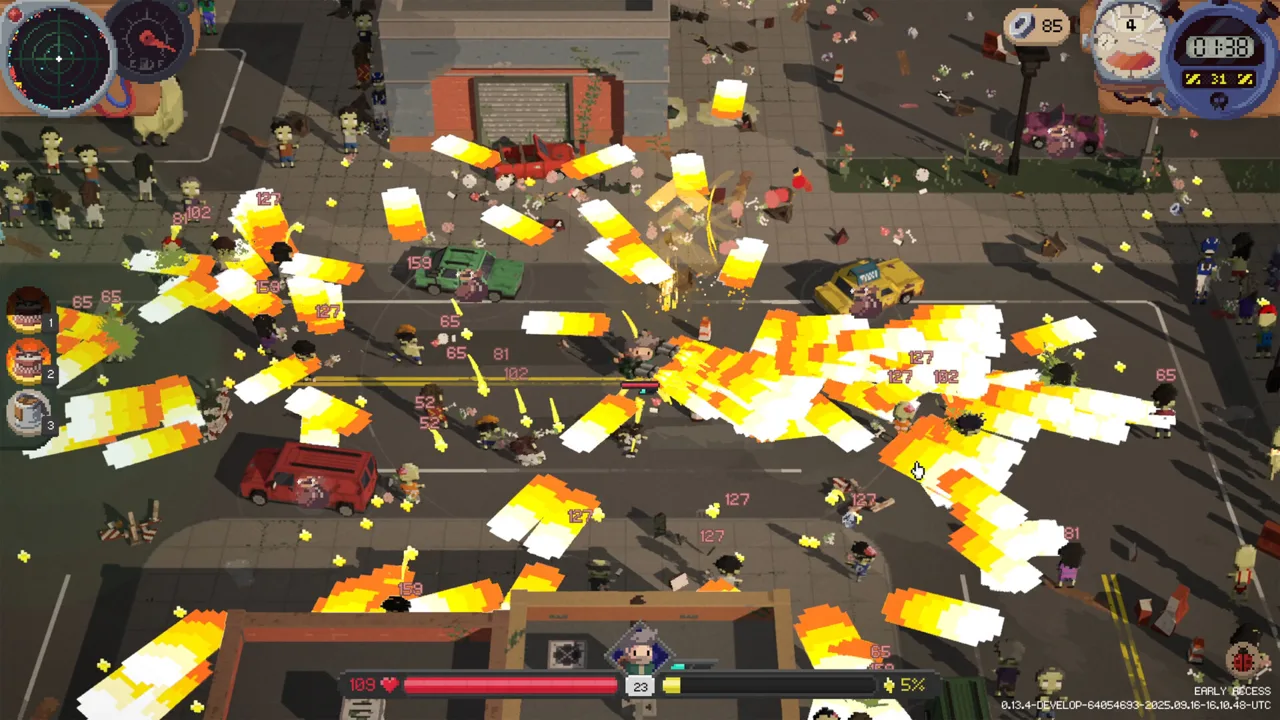
A large damage number tells only part of the story. Ranged weapons also depend on firing speed, magazine capacity, reload downtime, and how effectively their projectiles reach additional enemies.
 Image: Steam / Pixelsplit
Use the problem you encounter in combat to guide your next upgrade:
- Enemies survive individual hits: Consider weapon upgrades or support effects that increase damage.
- A powerful shot clears too few enemies: Look for pierce, bounce, or additional-projectile effects.
- The horde closes in between magazines: Prioritize reload support before adding more firing speed.
- A promising weapon loses its bonuses after rearrangement: Recheck the support items' marked spaces.
Pistols and revolvers offer a starting point for experimenting with ranged support. Early Access builds used their relatively short reloads alongside damage bonuses, bounce, and pierce. Carry that layout idea into 1.0, then compare the weapon's current tooltip and actual firing gaps.
For melee, reserve backpack space for survival tools alongside offensive bonuses. Short-range attacks put you close to enemies; armor, healing, and movement support deserve consideration when assembling that loadout.
Avoid replacing an established weapon solely because a newly crafted one looks more impressive. Compare the complete arrangement, including the bonuses the replacement would receive and the support equipment you would have to move.
Support Items That Change Your Weapon Setup
Version 1.0 adds several items that affect weapons directly or reshape how backpack effects interact.
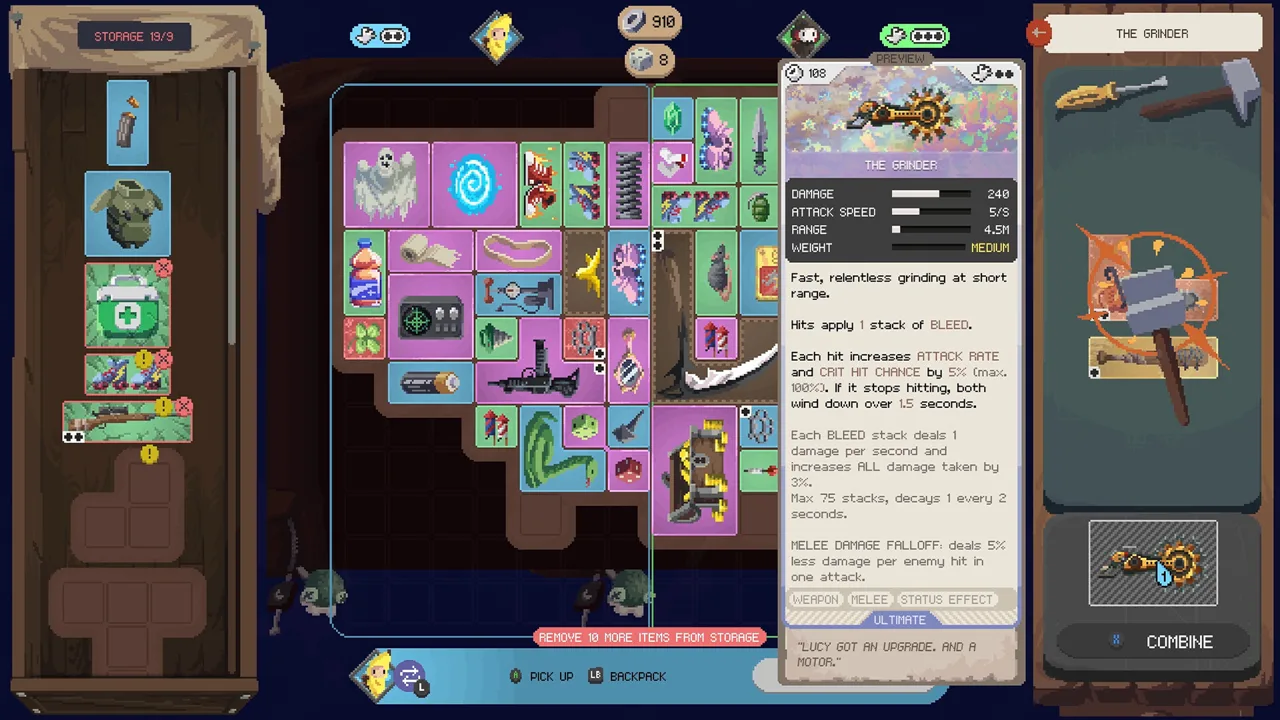 Image: Steam / Pixelsplit
Hand Mirror and Cogwheel
The Hand Mirror copies effects hitting one marked item onto the marked item opposite it. Plan both positions together so the copied effect reaches the intended equipment.
The Cogwheel links marked triggerable items: when one activates, the others activate too. Each item can activate only once within a chain. Use it to connect compatible triggers without expecting the same item to repeat indefinitely during that chain.
Secret Sauce
Secret Sauce adds poison damage to marked weapons and items. It also reduces daily fuel requirements and helps the bus start faster, but it disables marked food items.
Check its marked spaces carefully before placing food nearby. Keep the poison bonus directed toward your damage equipment without accidentally shutting off food effects you want to retain.
Ripped-Out Eye and Uranium
The Shady Merchant's Ripped-Out Eye gives marked weapons +100% crit chance while cutting their range by 75%. Inspect the resulting range before committing to the tradeoff, especially on a weapon you rely on to keep enemies distant.
Uranium allows hits from marked weapons and throwables to trigger a small nuclear explosion. It can also mutate the struck zombie into a titan. Prepare for that additional threat before adding it to your damage setup.
Tesla Coil
The Tesla Coil fires a projectile every 3 seconds that can electrocute. It can also give marked lightning items additional bounces, provided it marks an even number of electric items.
Count the marked electric items after rearranging the backpack. Its bounce interaction depends on meeting that condition.
Crafting, Upgrading, and Equipping More Weapons
Use the workbench when planning a crafted weapon. In 1.0, its recipe list prioritizes recipes you can currently craft and displays ingredient quantities and rarities. Check that list before merging or spending equipment you need for a recipe.
Merging items produces stronger versions, while crafting can create new legendary equipment. Keep those goals separate when organizing your inventory: an immediate upgrade and a recipe ingredient can compete for the same item.
The Hammer offers another upgrade route. At the end of the day, it raises marked items by one rarity, up to its own rarity. Place eligible items within its marked spaces before the day ends.
Weapon capacity also involves hands. The craftable Plasma Hand counts as unlimited extra hands for equipping weapons. It addresses hand requirements, while every weapon and support item still needs room in the backpack.
Use Auto Equip to find an open placement that considers synergies, then inspect the result. Check selector coverage whenever you add, replace, or upgrade equipment.
Combat Changes That Matter for Older Builds
Version 1.0 changes several weapons and systems enough to affect builds carried over from Early Access:
- Katana: Damage increases by 25% across its rarities.
- Super Knife: Damage drops from 280 to 224, a 20% reduction.
- Crafted Uzi: Now has Rare rarity instead of Uncommon.
- Merged projectiles: Deal their full damage.
- Ranged firing speed: Weapons fire at their stated rate regardless of frame rate. Previously, a weapon rated at 50 shots per second could fire about 30 at 60 fps.
- Fast melee attacks: Continue dealing damage when high attack speed cuts an attack short.
- Slash range bonuses: Widen swings again, correcting an issue that made them narrower.
Critical chance above 100% also has additional value in 1.0. Each full extra 100% adds the critical-damage bonus again, and the remaining chance can roll another tier. Luck affects only that remaining chance.
Keep this interaction in mind when evaluating critical chance equipment. Passing 100% no longer means additional chance has no purpose.
Vampire and Co-op Weapon Synergies
The Vampire starts without a weapon and instead uses bats. Another bat joins with each level-up; their attacks deal melee damage and have a chance to steal life.
Equip items with melee effects alongside the bats. That gives this survivor a damage setup built around melee support even before introducing a conventional weapon.
Co-op expands placement options through cross-backpack synergies. Selectors can mark equipment in the other player's backpack, and each backpack gains an extra unlockable column.
Inspect both backpacks when arranging support items. A selector's useful target may belong to your teammate, opening up layouts that a solo backpack cannot provide.
Continue with
 Deadly Days: Roadtrip Best Weapons for Strong BuildsExplore Deadly Days: Roadtrip best weapons, from pistols to new 1.0 crafts. Build around weapon effects, manage reloads, and stack backpack synergies.
More in Weapons
Deadly Days: Roadtrip Katana Guide: Melee Build Tips
Build around the Deadly Days: Roadtrip katana with range, weapon size, melee effects, and smart backpack placement. Learn what changed in the 1.0 update.
Deadly Days: Roadtrip P.i.z.z.a. Launcher Crafting Guide
Build the Deadly Days: Roadtrip p.i.z.z.a. launcher with recipe tips, Rocket Launcher ingredients, and backpack advice for your next zombie-slaying run.

Deadly Days: Roadtrip Rocket Launcher Recipe Guide
Explore the Deadly Days: Roadtrip rocket launcher recipe, including ingredient colors, workbench checks, and tips to keep your crafting plans on track.
Continue exploring
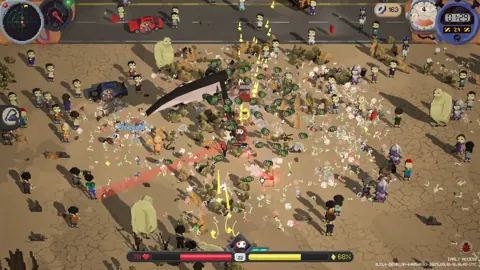
Deadly Days: Roadtrip Melee Build: Gear and Synergies
Shape a Deadly Days: Roadtrip melee build with weapon pairings, backpack synergies, movement upgrades, and Vampire tips for surviving close-range fights.
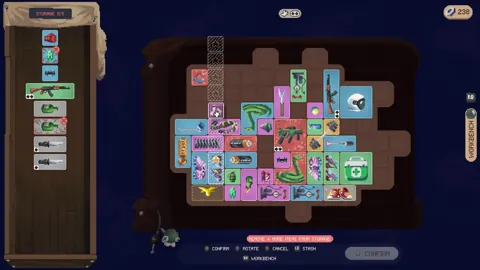
Deadly Days: Roadtrip Banana Unlock and Build Guide
Get the Deadly Days: Roadtrip banana unlock, learn how Special Banana works, and build dash-triggered attacks with Roller Skates and smart item placement.
Join the community
Official channels for news, updates and player help: