Deadly Days: Roadtrip Melee Build: Gear and Synergies
Shape a Deadly Days: Roadtrip melee build with weapon pairings, backpack synergies, movement upgrades, and Vampire tips for surviving close-range fights.
Jump to
Start With a Knife and a Sweeping Weapon
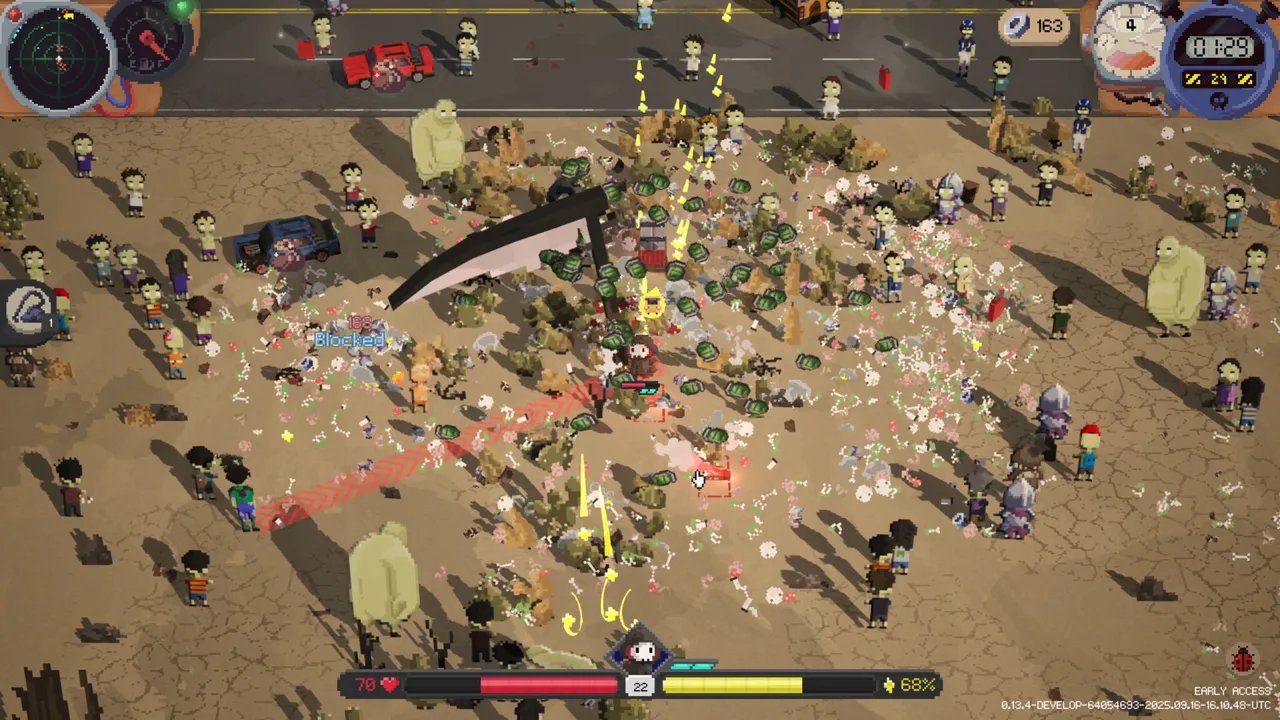
Getting close is easy; keeping an escape route open takes planning. Build your Deadly Days: Roadtrip melee build around complementary attacks, backpack effects, and enough movement speed to escape between strikes. Start with a knife and a sweeping weapon, then improve their coverage before chasing extra hands.
A knife gives you repeated stabbing attacks, while a Baseball Bat or Machete adds a swinging attack. Swap in a Crowbar when its damage and looting utility fit your loadout. Let the drops shape your weapon choices instead of holding out for one specific combination.
| Weapon | Attack or utility |
|---|---|
| Knife | Repeated stabbing attacks |
| Baseball Bat | Swinging melee attacks |
| Crowbar | Melee attacks with increased looting speed |
| Machete | Small sweeping attack |
| Brass Knuckles | Fast, short-range punches |
Watch the gaps between attacks. Two identical weapons can swing together, leaving the same opening afterward. Try pairing weapons with different attack rates if enemies keep slipping through between swings.
Melee Changes in Version 1.0
The October 29, 2026 update changed several details that matter when choosing and upgrading weapons:
- Katana damage increased by 25% across its rarities.
- Super Knife damage dropped from 280 to 224, a 20% reduction.
- Fast melee attacks keep dealing damage when high attack speed cuts an attack animation short.
- Range bonuses widen Slash swings again.
Compare your current weapons before replacing one with a familiar favorite. The Katana buff and Super Knife reduction make older damage comparisons less useful.
Official page: Deadly Days: Roadtrip (store.steampowered.com)
Arrange the Backpack Around Active Effects
Your backpack determines which weapons receive your damage effects. Place the weapons you want to support first, then arrange items so their marked tiles actually reach those weapons.
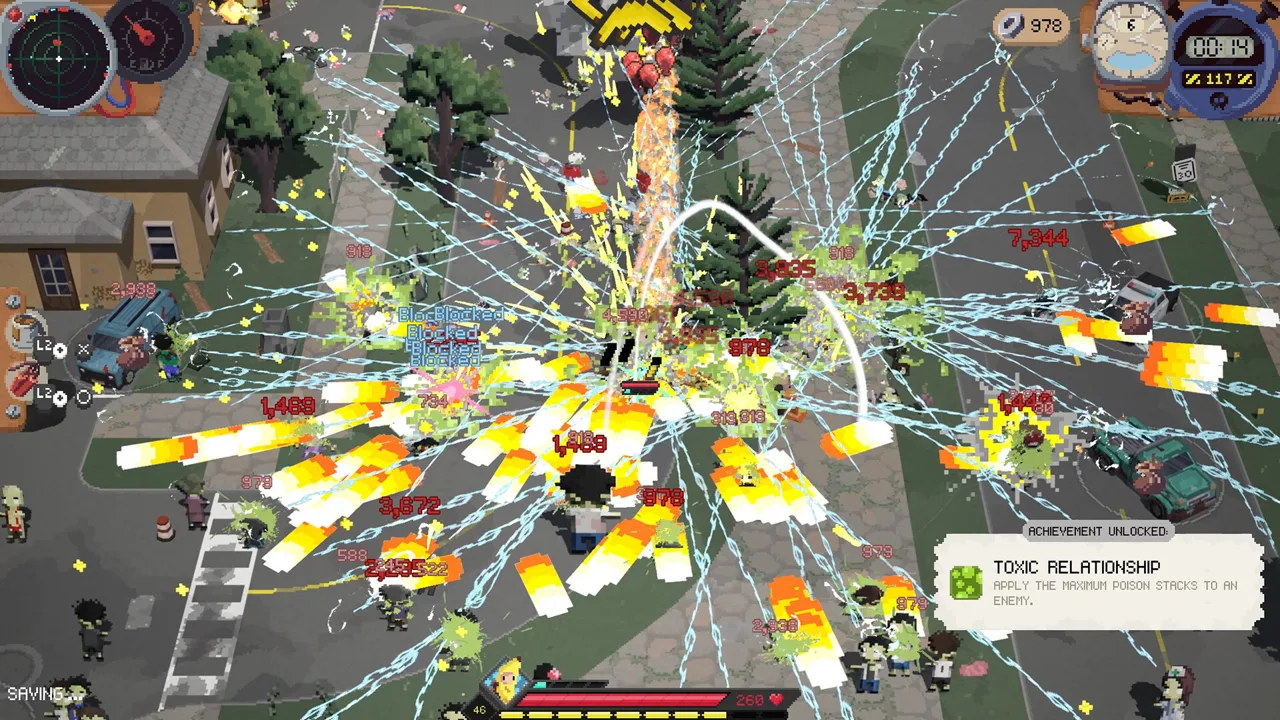 Image: Steam / Pixelsplit
Use this order when reorganizing:
- Position your main melee weapons.
- Align compatible damage and on-hit effects with them.
- Fit movement and survival items around that arrangement.
- Recheck the marked tiles after adding bags, merging items, or moving weapons.
Try to cover both main weapons with a support item when its selector allows it. Avoid sacrificing several working effects just to squeeze in another weapon.
Lightning, fire, poison, and explosive effects can add damage to melee attacks when the relevant item supports them. Check compatibility before keeping an upgrade: bullet bounces and ranged reload bonuses serve a different loadout.
For more elaborate arrangements, Hand Mirror copies effects hitting one marked item onto the marked item opposite it. Position both targets deliberately so the copied effects reach something useful.
Hammer offers another upgrade route: at the end of the day, it raises marked items by one rarity, up to its own rarity. Mark the pieces you intend to keep rather than equipment you plan to replace.
Protect Your Movement Speed
Short-range attacks leave less room for mistakes against charging enemies, fast attackers, and burning zombies that explode nearby. Keep a clear path behind or beside you, and reposition before the crowd closes that path.
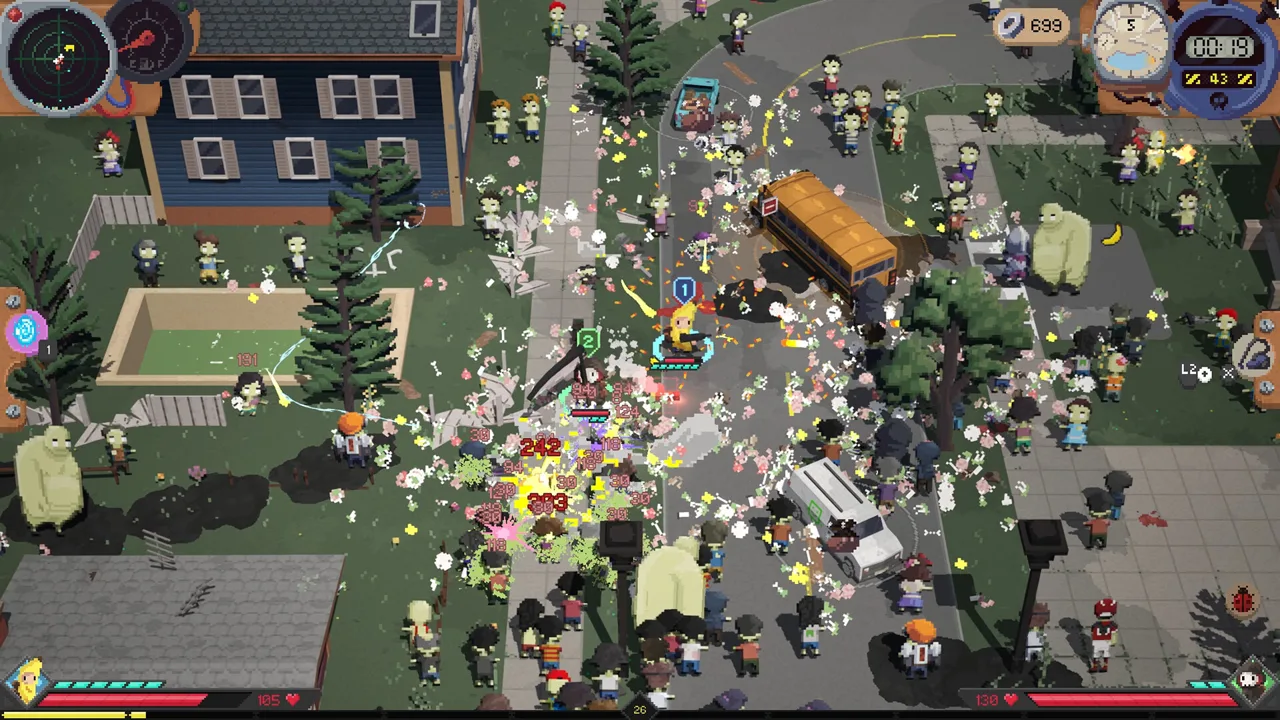 Image: Steam / Pixelsplit
Prioritize movement upgrades when you are struggling to maintain striking distance safely. Socks and Roller Skates provide movement options; Electrolyte Drink increases stamina recovery. Use that mobility to move between openings instead of standing inside a crowd waiting for the next attack.
Coffee from the base increases movement and looting speed and makes days a little longer. Take it when you need more breathing room while gathering fuel and equipment.
Choose defensive items with their conditions in mind:
- Shield Generator: Restores one armor every 10 seconds, but taking damage resets the timer. Create space after a hit so it can recover.
- Ghost Sheet: Extends invincibility after taking a hit and hides you from zombies while you are actively looting.
- Ice Cube: Increases movement speed and dash distance, but adds sliding after stopping or dashing. Allow room for that slide near hazards.
Secret Sauce deserves special attention during inventory changes. It adds poison damage to marked weapons and items, but deactivates marked food. Coffee counts as Food in version 1.0, so keep it outside those marks if you want its benefits active.
Expand Into More Weapons With Extra Hands
Robot Arm grants an additional hand, letting you equip more weapons or combine a two-handed weapon with another weapon. The craftable Plasma Hand counts as unlimited extra hands for equipping weapons.
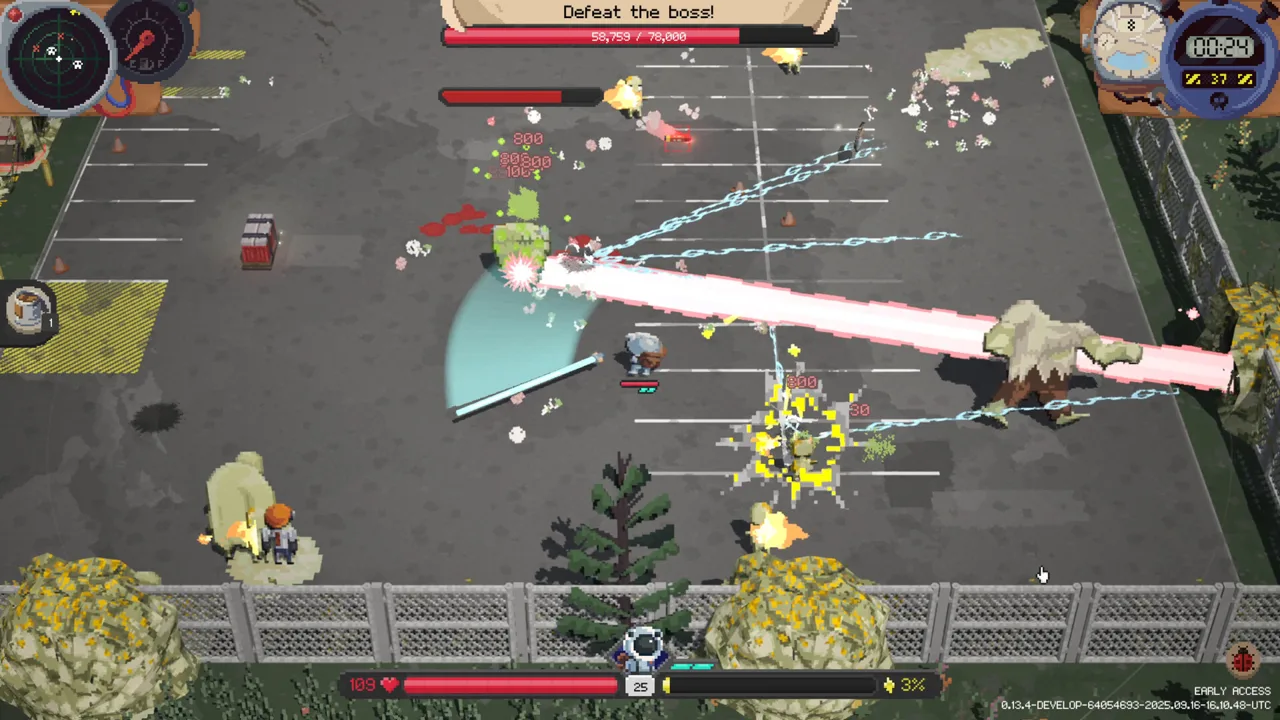 Image: Steam / Pixelsplit
Add weapons after your existing attacks have useful support. Another melee weapon still needs backpack space, and moving it into position can disrupt the effects powering your current pair.
Before expanding, inspect three things:
- Whether the additional weapon fits without breaking important marked effects.
- Whether it adds useful attack coverage or timing.
- Whether your movement and defensive items still fit.
Upgrade a strong existing weapon when an extra weapon would force too many compromises. Extra hands expand your options; the backpack still decides how much support each weapon receives.
Play Vampire Around Bats and Melee Effects
Vampire offers a different melee setup in version 1.0. The character starts without a weapon and instead has a group of bats. Each level-up adds another bat; their attacks deal melee damage and have a chance to steal life.
Equip items with melee effects alongside the bats, and keep collecting experience to grow the group. Preserve movement upgrades while doing so: life-steal is a chance-based benefit, so keep dodging rather than relying on it to absorb every hit.
Use this character when you want melee damage built around a growing bat swarm. For a loadout centered on knives, sweeping weapons, and additional hands, develop the weapon setup described above.
Leave Before Close Combat Becomes a Trap
Collect the fuel required to get the bus moving, then judge whether another detour is worth the risk. Staying longer brings more enemies and more special zombies into the fight.
Watch how the build handles the crowd. If tougher enemies survive several attacks while faster zombies slip through your swings, head toward extraction instead of crossing the map for another loot spot.
Teleporter provides a useful escape tool once available. Normally, it sends you to an unlooted loot spot and knocks back nearby enemies. At night, after all fuel is collected, it sends you to the bus instead. Check those conditions before using it so the destination matches your plan.
Continue with
 Deadly Days: Roadtrip Sheriff Reload Build: Gear GuideDeadly Days: Roadtrip sheriff reload build guide: pair revolvers with Sheriff Star, boost attack rate, shorten reloads, and make room for speed upgrades.
More in Builds
See all Builds
Continue exploring
Join the community
Official channels for news, updates and player help: