Support
Find Deadly Days: Roadtrip co-op, save-location, demo-transfer, and performance help, with practical steps for getting back into your next run.
5 articles
Start here
- Deadly Days: Roadtrip Co Op: Couch & Remote Play Guide
Deadly Days: Roadtrip co op supports couch play and Steam Remote Play Together with one copy. Learn how shared backpack synergies work and plan your runs.
- Deadly Days: Roadtrip Demo Save Transfer: Steam Deck & PC
Deadly Days: Roadtrip demo save transfer help for Windows and Steam Deck: find your files, back up progress, and follow the older manual import workaround.
- Deadly Days: Roadtrip Demo Guide: Downloads and Saves
Try the Deadly Days: Roadtrip demo with tips for fuel, backpack builds, and save transfers. Find the Steam download and prepare for your next zombie run.
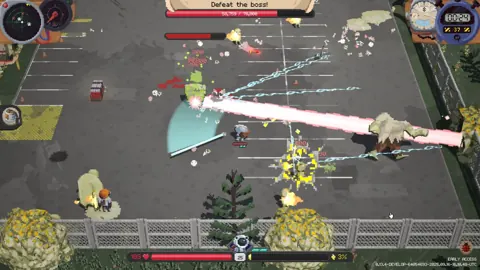
Deadly Days: Roadtrip Lag: Fix Stutters and Slowdowns
Troubleshoot Deadly Days: Roadtrip lag with controller tests, build adjustments, and the 1.0 performance changes. Find the right fix for your next run.
Deadly Days: Roadtrip Save Location & Save Backups
Deadly Days: Roadtrip save location help for Windows players: learn how automatic backups work, what Steam Cloud offers, and how saves carry over to 1.0.