Deadly Days: Roadtrip Co Op: Couch & Remote Play Guide
Deadly Days: Roadtrip co op supports couch play and Steam Remote Play Together with one copy. Learn how shared backpack synergies work and plan your runs.
Jump to

Does Deadly Days: Roadtrip Have Co-Op?
Yes, Deadly Days: Roadtrip co op lets you tackle the zombie apocalypse with a friend on the couch or through Steam Remote Play Together. Only the host needs to own the game for Remote Play Together, so your partner can join without buying another copy. Beyond sharing the action, you can connect item effects across your backpacks and coordinate builds.
The October 29, 2026, version 1.0 release expanded cooperative play with cross-backpack synergies, additional backpack space, and individual performance breakdowns. Co-op is part of the Windows game, alongside the option to play solo.
Couch Play and Steam Remote Play Together
For local co-op, you and a friend play on the same computer and share the screen. The game supports controllers, including DualShock and DualSense devices.
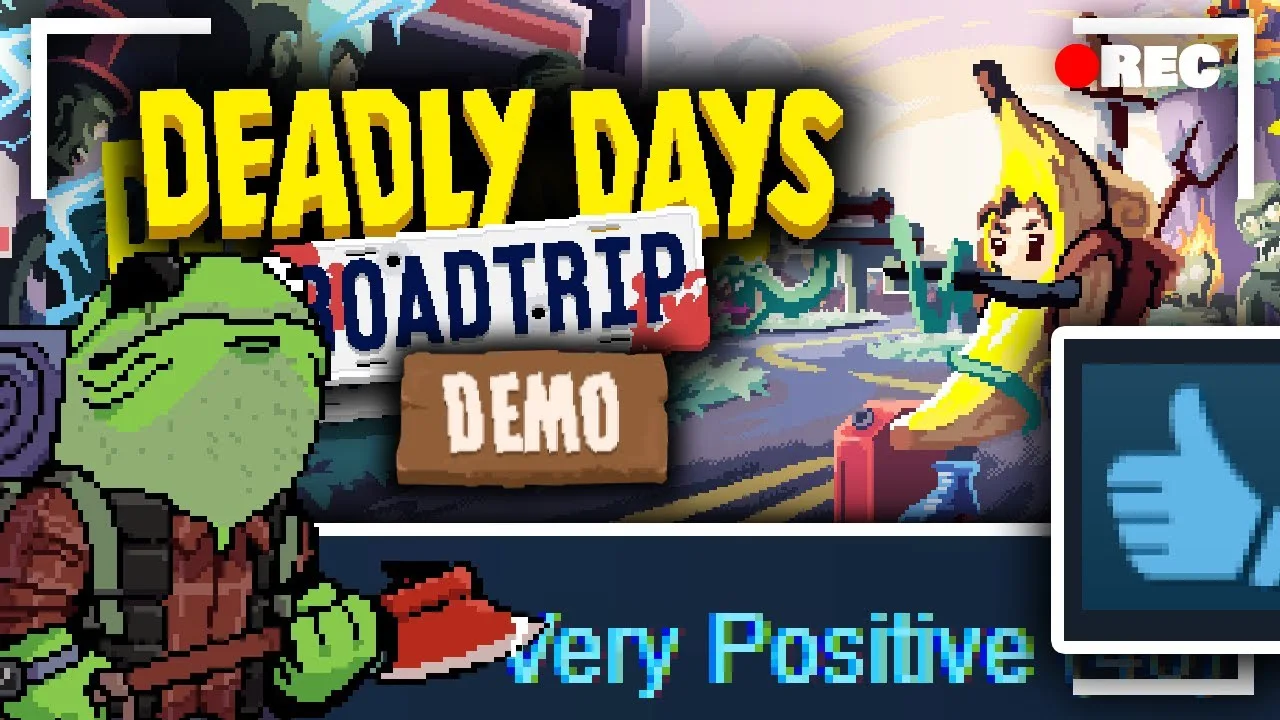
For a session with someone elsewhere, use Steam Remote Play Together. This brings the local cooperative experience online, with your friend joining your hosted game. You still share the action and inventory decisions that define couch play.
Choose the format that fits your session:
- Playing in the same room: Use couch co-op and coordinate directly while sharing the screen.
- Playing from different locations: Use Steam Remote Play Together; your friend does not need a separate copy.
You can get the Windows version through the Deadly Days: Roadtrip Steam store.
How Cross-Backpack Synergies Work
Your backpacks are connected parts of the team’s build. In version 1.0, item selectors can mark equipment in the other player’s backpack. An item’s placement can therefore matter to your partner’s loadout as well as your own.

Check the selector markings when arranging equipment. Position compatible items so the intended target receives the effect, including when that target belongs to your teammate. Follow each item’s requirements rather than assuming every bonus affects both players.
Each backpack also has an extra unlockable column, and the grids can touch. Player outlines distinguish the bags, while a warning appears when the cooperative backpack cannot expand farther sideways.
Build around those mechanics:
- Inspect both bags before moving gear. Check whether another item’s selector is targeting the equipment you want to relocate.
- Rearrange around useful effects. Use the space between the bags when a selector can reach a compatible item across the boundary.
- Consider upgrades alongside placement. Weapons and items can merge into stronger versions, so compare an upgrade with the synergies your current arrangement provides.
Coordinate Looting and Extraction
Every stop asks you to collect fuel for the bus while deciding how much longer to risk staying for loot. Discuss extraction before another promising pickup pulls you farther into the horde.
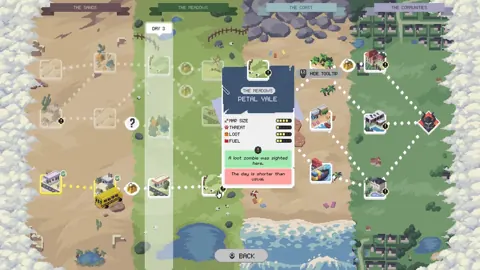
Read the route modifiers together. Stops can feature elite zombies, bonus XP, or a merchant selling cursed equipment. Choose with your current gear and survival needs in mind.
Version 1.0 also adds items worth discussing during inventory planning. The Crowbar increases looting speed. Secret Sauce reduces daily fuel requirements and speeds up the bus’s start, but it also deactivates marked food items. Check what it marks before placing it beside food you rely on.
The Teleporter sends its user to an unlooted loot spot and knocks back nearby enemies. At night, once all fuel is collected, it sends the user to the bus instead. Keep that change in destination in mind when deciding whether to use it for scavenging or the return trip.
Read Your Individual Results After a Run
Version 1.0 separates round-end statistics by player. The lower value is dimmed, and statistics that cannot be assigned individually appear as a team total. Those player breakdowns remain separated between saves.
Compare those results with the gear each player carried when deciding what to rearrange next time.
The update also fixes several cooperative inventory problems: character stickers stay attached when items move between players or through the stash, and bag placements near the backpack boundary receive fixes. Keep both players’ equipment in the conversation when reorganizing; moving an item between bags can preserve its stickers while changing which selectors reach it.
Continue with
 Deadly Days: Roadtrip Demo Save Transfer: Steam Deck & PCDeadly Days: Roadtrip demo save transfer help for Windows and Steam Deck: find your files, back up progress, and follow the older manual import workaround.
More in Support
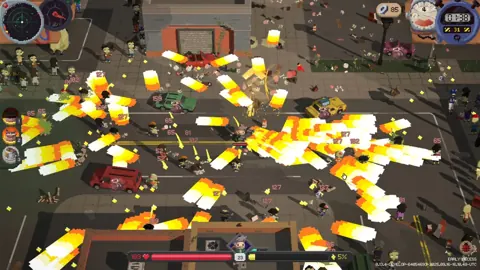
Deadly Days: Roadtrip Demo Guide: Downloads and Saves
Try the Deadly Days: Roadtrip demo with tips for fuel, backpack builds, and save transfers. Find the Steam download and prepare for your next zombie run.
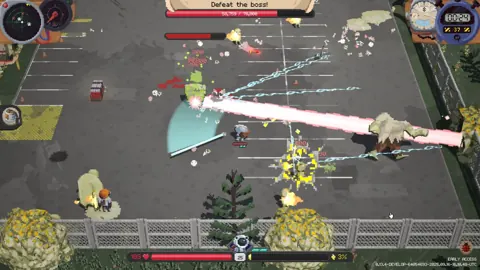
Deadly Days: Roadtrip Lag: Fix Stutters and Slowdowns
Troubleshoot Deadly Days: Roadtrip lag with controller tests, build adjustments, and the 1.0 performance changes. Find the right fix for your next run.
Deadly Days: Roadtrip Save Location & Save Backups
Deadly Days: Roadtrip save location help for Windows players: learn how automatic backups work, what Steam Cloud offers, and how saves carry over to 1.0.
Continue exploring
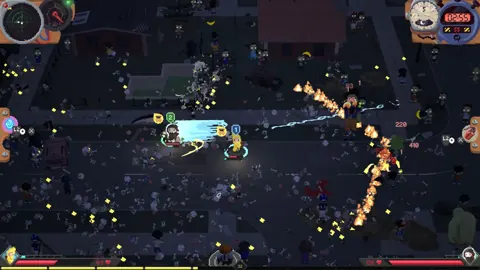
Deadly Days: Roadtrip Sheriff Reload Build: Gear Guide
Deadly Days: Roadtrip sheriff reload build guide: pair revolvers with Sheriff Star, boost attack rate, shorten reloads, and make room for speed upgrades.
Deadly Days: Roadtrip Characters: Builds and Unlocks
Explore Deadly Days: Roadtrip characters, from pistol survivors to the Vampire. Learn starting gear, bat synergies, and what changed with the 1.0 release.
Join the community
Official channels for news, updates and player help: