
Deadly Days: Roadtrip Lag: Fix Stutters and Slowdowns
Troubleshoot Deadly Days: Roadtrip lag with controller tests, build adjustments, and the 1.0 performance changes. Find the right fix for your next run.
Jump to
How to Fix Lag and Stuttering
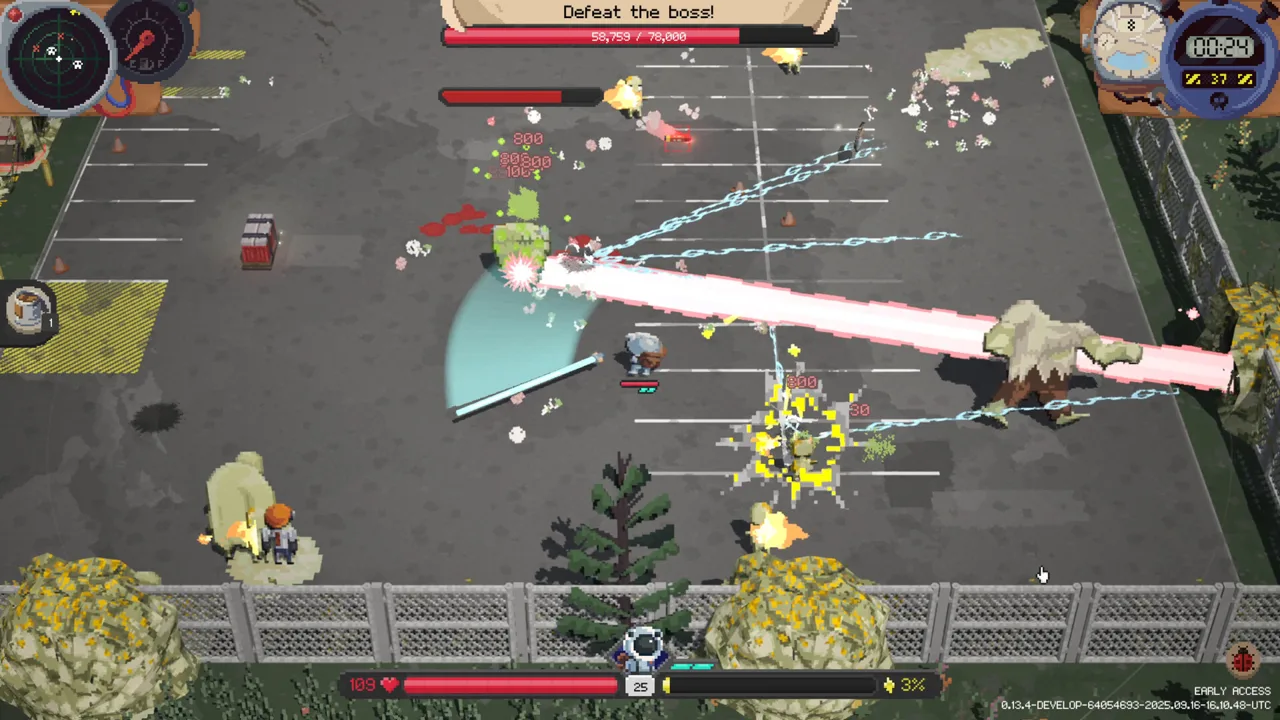
Deadly Days: Roadtrip lag can turn a promising zombie run into a missed dodge and an early death. Start by separating stuttering that happens immediately from slowdowns that appear once your build fills the screen with projectiles. Update the game, test without an attached controller, and compare a simpler loadout before changing everything at once.
Match your next test to the symptom:
- Stuttering from day 1: Disconnect your controller and try keyboard and mouse.
- Freezes after stacking weapon effects: Test fewer projectile multipliers and repeat-trigger effects.
- Performance worsening deep into Endless Mode: Compare against an earlier, less elaborate build.
- Brief hitches between levels: Note whether combat becomes smooth again after the transition.
These patterns deserve different tests. A controller-related problem can appear before a large horde arrives, while a build-related slowdown can follow you into a new level.
Official page: Deadly Days: Roadtrip (store.steampowered.com)
Test Without Your Controller
During Early Access in September 2025, some setups suffered severe stuttering with a controller connected. Switching to keyboard and mouse resolved the problem on affected machines, including an Xbox-controller setup.
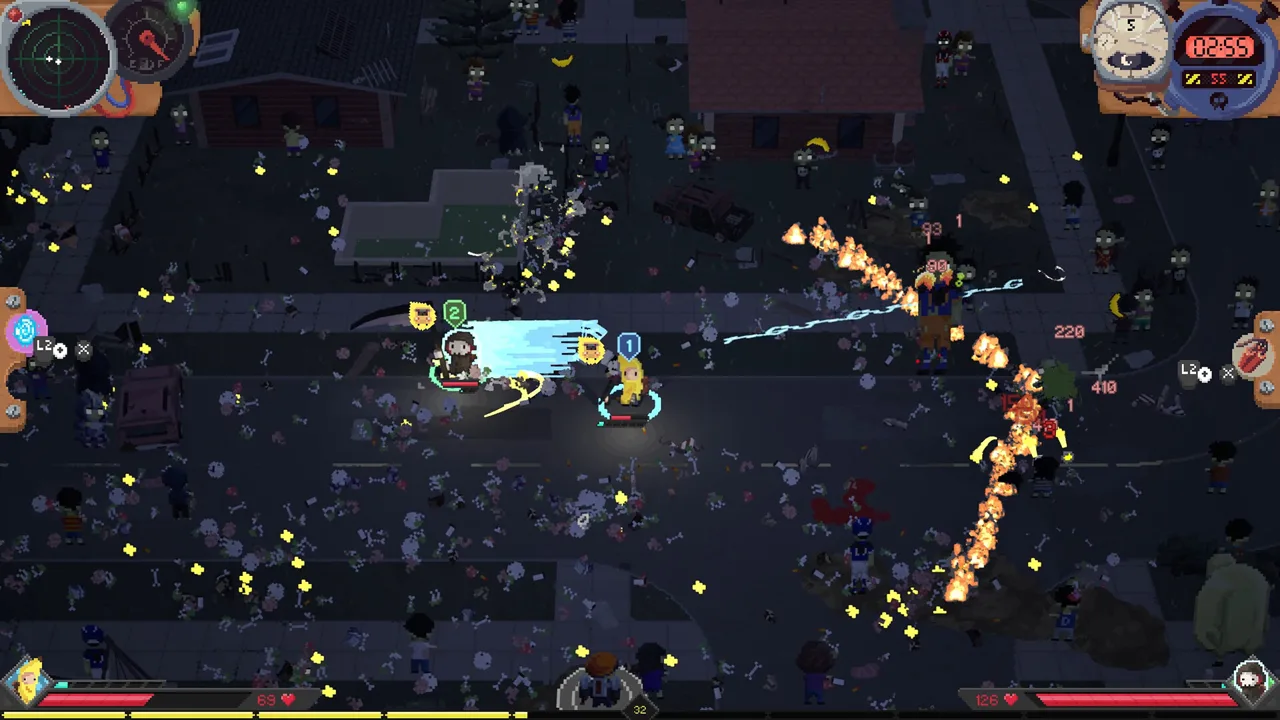 Image: Steam / Pixelsplit
If your game starts stuttering immediately, disconnect the controller and test keyboard movement before dismantling your inventory. Compare the same kind of gameplay so you can tell whether the input device changes performance.
The game supports controllers, including DualShock and DualSense devices, so this is a diagnostic test rather than a reason to abandon controller play permanently.
If the slowdown began after an update, try a system reboot before making further changes. Rebooting resolved a performance problem after Early Access patch 0.15.1. Keep that version context in mind when troubleshooting a newer installation.
Reduce Projectile Chains to Identify Build Slowdowns
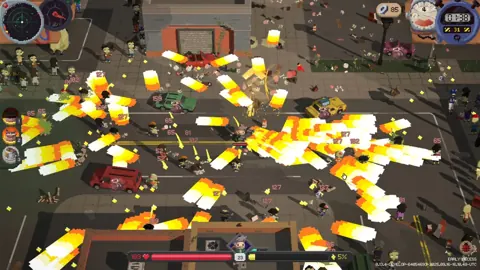
A powerful backpack can create a very different performance problem from startup stuttering. During September 2025 Early Access, combinations involving rapid-fire weapons, bouncing projectiles, repeaters, and explosive attacks caused severe slowdowns on some machines.
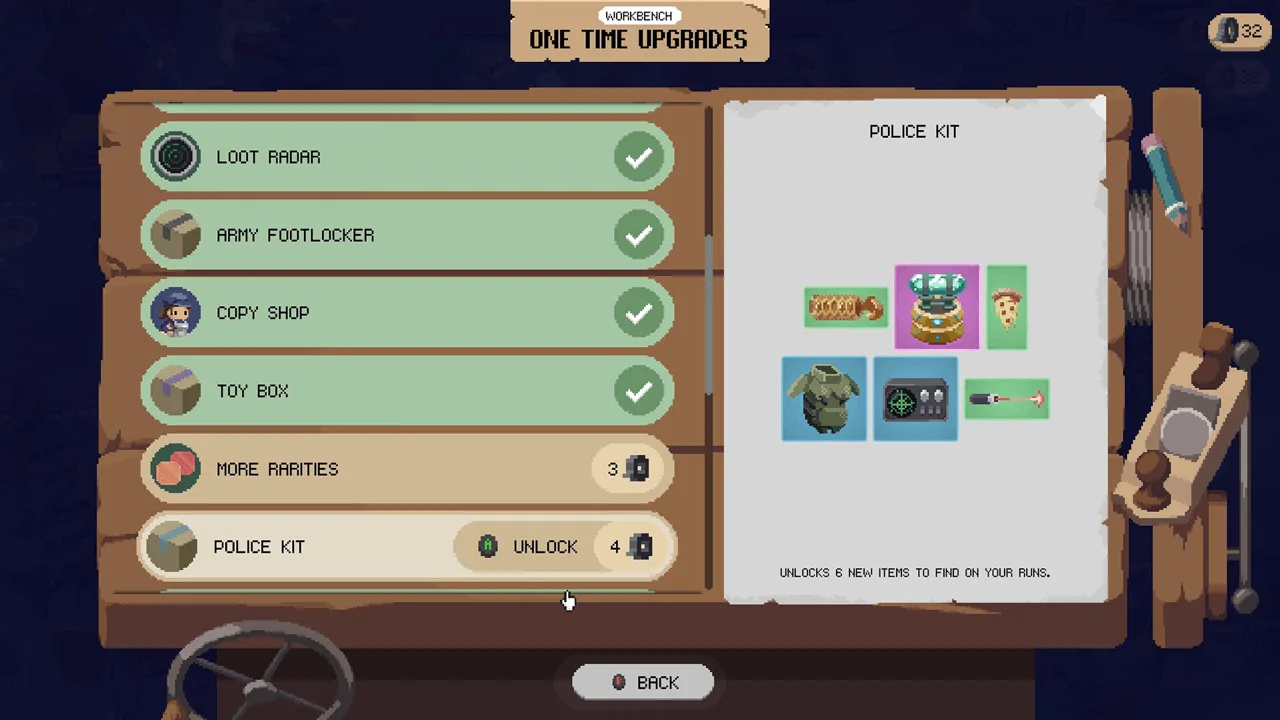 Image: Steam / Pixelsplit
One particularly useful distinction involved the War Drum: removing it reduced freezes in a build already producing large numbers of projectiles. Switching a heavily supported weapon to a pistol also improved performance in another overloaded setup.
Use those interactions to narrow down your own problem:
- Test without the War Drum if freezes begin when its projectile multiplication joins an already busy build.
- Compare a simpler weapon against a rapid-fire or explosive weapon using similar supporting items.
- Change one effect at a time so you can identify which combination coincides with the slowdown.
Removing grenades helped only slightly in one affected setup, and toggling VSync did not resolve its freezes. Avoid assuming that one graphics switch will fix every inventory-driven performance problem.
These examples describe older builds of the game. Use them to choose a test, rather than treating those items as permanently broken.
What Version 1.0 Changed
Version 1.0 launched on October 29, 2026, with performance work affecting combat, inventory tooltips, map processing, and the end-of-run sequence. Update before comparing your experience with Early Access behavior.

| Area | Version 1.0 change |
|---|---|
| Ranged weapon firing | Weapons fire at their stated rate across frame rates; previously, a 50/s weapon fired about 30/s at 60 fps. |
| Run rating sequence | Addressed lag when many apples appeared. |
| Upgrade tooltips | Reduced how frequently tooltips were reconstructed. |
| World rendering | Intact destructible props share one mesh until they break. |
| Game processing | Reduced copying during map generation, enemy spawn filtering, XP calculations, save-slot labels, and recipe checks. |
The firing-rate correction matters when comparing combat across versions: an older installation could deliver fewer shots than the weapon’s displayed rate. The update also addresses specific sources of slowdown beyond combat, so note exactly which screen or activity still stutters.
Check PC Requirements and Steam Deck Symptoms
The Windows minimum requirements are:
- OS: Windows 10 or higher, with a 64-bit processor and operating system.
- CPU: Intel(R) Core(TM) i5-6600K or AMD Ryzen 5 3600.
- Memory: 8 GB RAM.
- Graphics: A dedicated graphics card, such as NVIDIA GeForce GTX 1050 Ti or AMD RX 570.
- Storage: 2 GB available space.
Compare your hardware with those requirements, but keep testing the symptom: powerful desktop configurations also experienced build-related freezes during Early Access.
On Linux, Proton 9.0-4 and Proton 10.0-3 setups have run successfully, with some experiencing brief transition-screen hitches while gameplay remained smooth. Separate those loading hitches from sustained combat slowdown before experimenting with compatibility settings.
Send the Affected Save Through the Bug Reporter
If the problem persists, use the in-game bug reporter to submit your save so the team can investigate the actual inventory. Version 1.0 places the Y / Triangle bug-reporter shortcut in the pause menu.
Include the details that distinguish your case:
- Game version and hardware.
- Normal mode or Endless Mode, plus the day reached.
- Weapons, supporting items, and repeat-trigger combinations.
- Whether a controller is connected.
- Whether keyboard-only play changes the result.
- Whether the slowdown happens during combat, inventory use, transitions, or run scoring.
Keep the affected inventory intact for the report when possible. A save containing the troublesome combination gives the team a concrete build to investigate.
Continue with
 Deadly Days: Roadtrip Save Location & Save BackupsDeadly Days: Roadtrip save location help for Windows players: learn how automatic backups work, what Steam Cloud offers, and how saves carry over to 1.0.
More in Support

Deadly Days: Roadtrip Co Op: Couch & Remote Play Guide
Deadly Days: Roadtrip co op supports couch play and Steam Remote Play Together with one copy. Learn how shared backpack synergies work and plan your runs.
Deadly Days: Roadtrip Demo Save Transfer: Steam Deck & PC
Deadly Days: Roadtrip demo save transfer help for Windows and Steam Deck: find your files, back up progress, and follow the older manual import workaround.
Deadly Days: Roadtrip Demo Guide: Downloads and Saves
Try the Deadly Days: Roadtrip demo with tips for fuel, backpack builds, and save transfers. Find the Steam download and prepare for your next zombie run.
Continue exploring
Join the community
Official channels for news, updates and player help: