Deadly Days: Roadtrip Endless Mode: Builds and Tips
Explore Deadly Days: Roadtrip endless mode, learn how to continue a winning run, and build around backpack synergies, critical hits, and survival tools.
Jump to
How to Enter Endless Mode
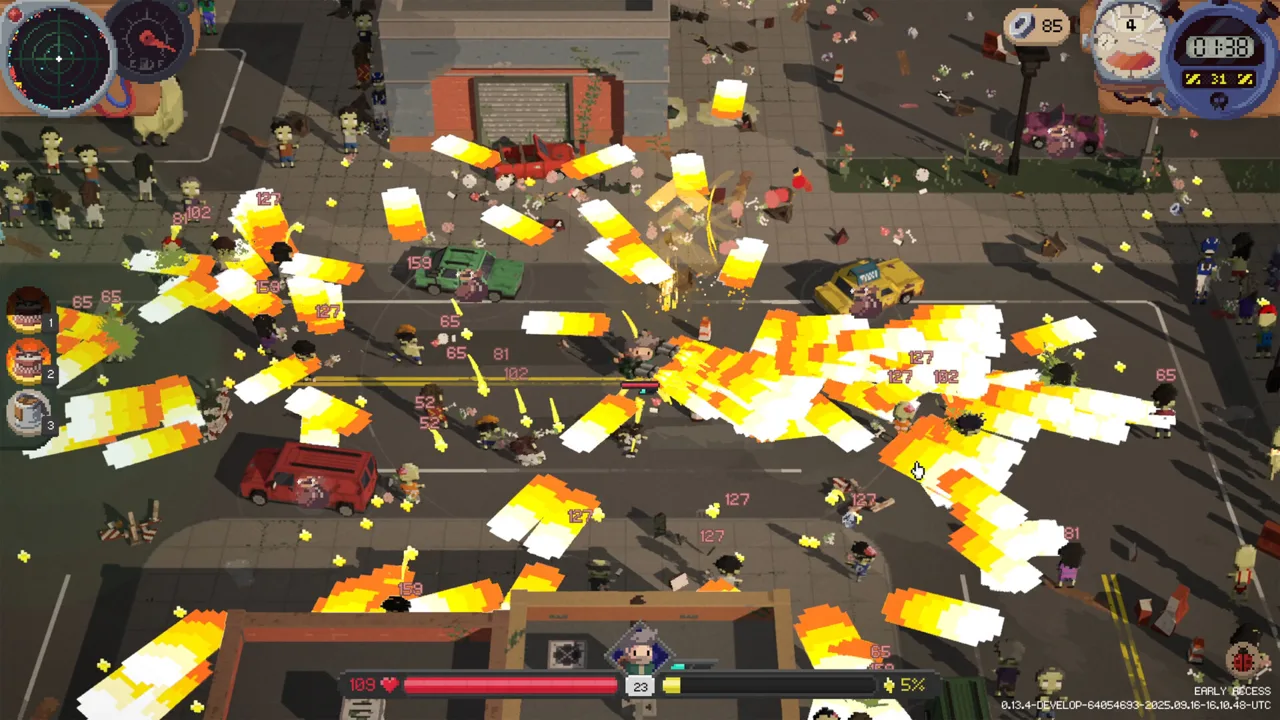
A winning run can keep going: Deadly Days: Roadtrip endless mode lets you push a completed build further. Finish a normal run, then choose the option to continue into Endless. From there, your backpack needs to keep delivering as enemy health and boss attacks scale.
The Endless leaderboard tracks how many days you survive. That gives extended runs a clear goal: keep your damage, mobility, and defenses working long enough to push your day count higher.
For permanent strength between trips, invest your earned loot at the base to improve stats and unlock more options. Use those upgrades to prepare future runs, then use Endless to explore how far a particular combination can go.
Official page: Deadly Days: Roadtrip (store.steampowered.com)
What Makes Endless Runs Harder?
Enemy health scaling puts sustained damage under pressure. Endless bosses also gain stronger attacks with each weekly loop, so clearing ordinary zombies comfortably doesn't mean you can ignore the next boss.

Fuel and scrap drops from defeated enemies are reduced in Endless. Keep scavenging rather than relying entirely on kills to supply your trip.
Version 1.0, released October 29, 2026, slowed the late-run growth of enemy attack distance. It also changed threat scaling so the increase in special zombies starts more slowly and accelerates later.
Build around those pressures:
- Maintain sustained damage. Support your weapon's firing rate, reload behavior, and damage together.
- Keep an escape available. Save dashes for dangerous approaches or crowded routes.
- Collect fuel deliberately. Include fuel collection in your route through each map.
- Reassess your defenses. Stronger boss attacks make careless hits increasingly costly.
Build Around the Sheriff's Reload Scaling
The Sheriff's signature item, Sheriff Star, provides a reload-speed benefit that scales with character level. That interaction gives ranged builds a way to reduce downtime as a run continues.
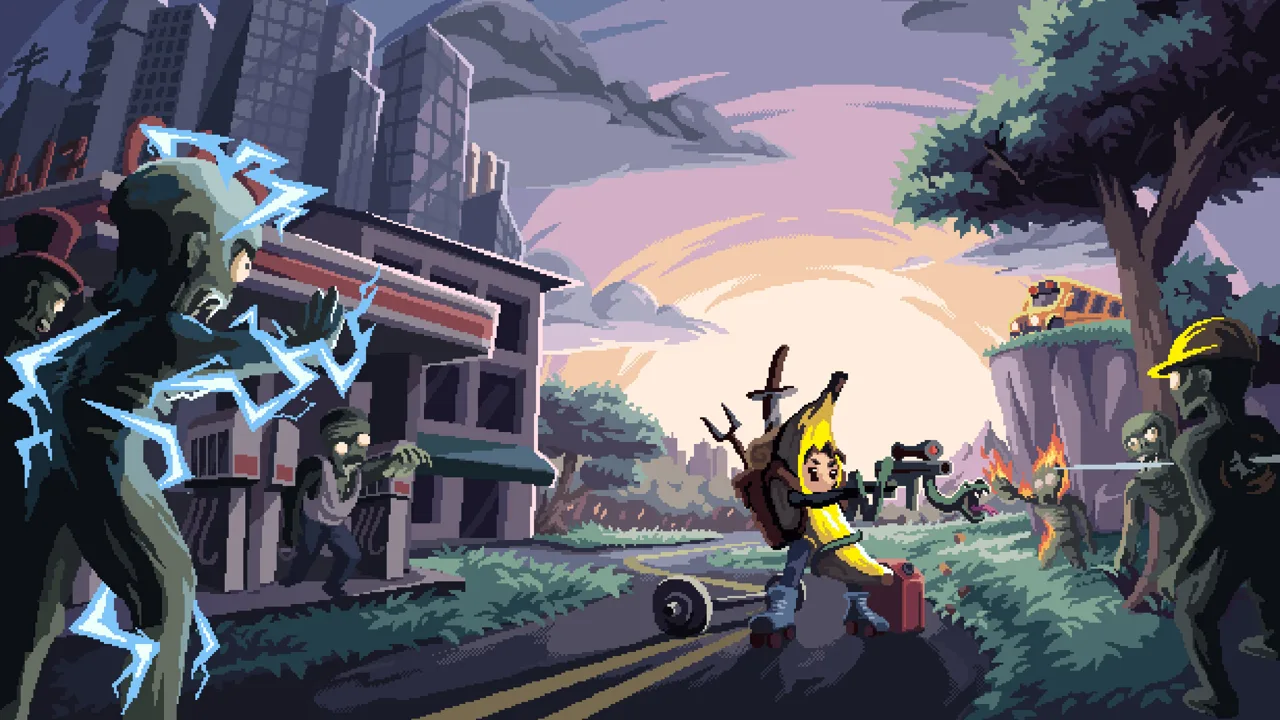 Image: PlayStation Store
Organize this build around a ranged weapon marked by Sheriff Star. Add attack-speed and damage support, then inspect the weapon tooltip after rearranging your backpack. Keep the marked connection intact when merging items or making room for new loot.
The revolver is one weapon to consider for a compact setup. Its small backpack footprint matters when pairing it with The Void, which rewards empty hands and empty backpack slots.
Follow this sequence when assembling the combination:
- Mark your chosen ranged weapon with Sheriff Star.
- Add compatible attack-speed and damage effects.
- Place The Void so it marks the weapon.
- Compare the resulting tooltip before committing more backpack space.
Preserve useful empty space. Every extra item in a Void setup needs to justify the damage bonus its occupied slots displace.
Version 1.0 reduced The Void's bonuses from empty hands and backpack slots. Judge additions using the current tooltip rather than copying older damage figures.
Scale Critical Hits With Scrap
Treasure chest items connect your scrap reserves to critical damage. That creates a useful loop: collect unwanted loot, sell it, and retain scrap to strengthen critical hits.
 Image: Steam / Pixelsplit
Support that loop with critical chance. A larger critical-damage bonus needs weapons that actually land critical hits consistently.
Version 1.0 also gives critical chance above 100% a purpose. Each additional full 100% adds another critical-damage bonus, while the remaining chance can roll the next tier. Luck affects that remaining chance.
Critical-hit colors show the tiers:
- Red indicates a normal critical hit.
- Orange indicates the next tier.
- Yellow indicates tier three and higher.
Keep checking both critical chance and critical damage in your weapon tooltips. Avoid removing a critical-chance item solely because the displayed chance has passed 100%.
Treasure chest critical scaling and interest were reduced in 1.0. Build around the current values, and keep collecting sellable loot if scrap is feeding your damage.
Use 1.0 Items to Support a Long Run
Version 1.0 expanded the combined weapon and item pool to over 110. Several additions offer specific tools for upgrading equipment, maintaining armor, or reaching the bus.
| Item | Effect | Condition or tradeoff |
|---|---|---|
| Hammer | Upgrades marked items by one rarity at the end of the day | Cannot upgrade them beyond the Hammer's own rarity |
| Shield Generator | Restores one armor every 10 seconds | Taking damage resets the timer |
| Lottery Ticket | Offers chances for free rerolls, repairs, and crafting without consuming an ingredient; can revive you on death | The ticket is destroyed when used for revival |
| Teleporter | Sends you to an unlooted loot spot and knocks back nearby enemies | At night, after all fuel is collected, it sends you to the bus instead |
| Secret Sauce | Reduces daily fuel requirements, speeds bus startup, and adds poison damage to marked weapons or items | Deactivates marked food items |
Position the Hammer around equipment you still need to upgrade. Once those items reach its rarity ceiling, reconsider whether it deserves that space.
Check Secret Sauce's marked targets carefully. Coffee counts as Food in 1.0, so include it when checking which items the sauce would deactivate.
Keep Looting Without Losing Control
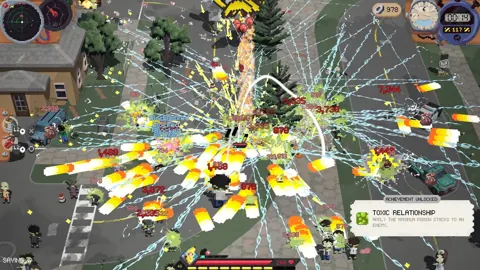
An extended run still demands movement and visibility. Large projectiles and dense effects can obscure enemies, while excessive movement speed can make precise positioning awkward.
Adjust the bullet and effect density setting under Gameplay if combat becomes difficult to read. Keep enough visual clarity to follow your character, approaching enemies, and escape routes.
When using a scrap-scaling build, prioritize loot that supports your remaining upgrades or sells for more scrap. Clear unwanted equipment between stops so it doesn't clutter the backpack layout powering your weapon.
Retain defensive tools alongside damage support. Armor can absorb unexpected hits, while Shield Generator rewards avoiding follow-up damage long enough for its restoration timer to finish. Reserve dashes instead of spending them all while moving through an apparently safe area.
Version 1.0 also fixed ranged weapons firing below their displayed rate at some frame rates. Use the current weapon tooltip when evaluating attack-speed upgrades.
Coordinate Backpack Synergies in Co-op
Co-op adds another layer to inventory planning. In version 1.0, selectors can mark items in the other player's backpack, allowing support effects to cross between bags.
Each backpack also has an extra unlockable column, and the two grids can touch. Coordinate placement before either player fills the shared boundary with unrelated gear.
Arrange marked effects around the weapons they need to support, including weapons in your partner's bag. Recheck those connections whenever equipment changes hands or either backpack expands.
You can play together locally or use Steam Remote Play Together with a friend who doesn't own a second copy. At the end of a round, compare the separate player stats to see how each side of the setup is contributing.
Continue with
 Deadly Days: Roadtrip Upgrade Guide: What to ImprovePlan out your Deadly Days: Roadtrip upgrade path with apples, character stickers, item banishing, Hammer rarity boosts, and smarter backpack synergies.
Continue exploring
Join the community
Official channels for news, updates and player help: