Deadly Days: Roadtrip Worth It? A 1.0 Buying Guide
Is Deadly Days: Roadtrip worth it? Explore its backpack builds, co-op, 1.0 additions, and replay value to decide whether this zombie roguelite suits you.
Jump to
Is It Worth Buying in Version 1.0?
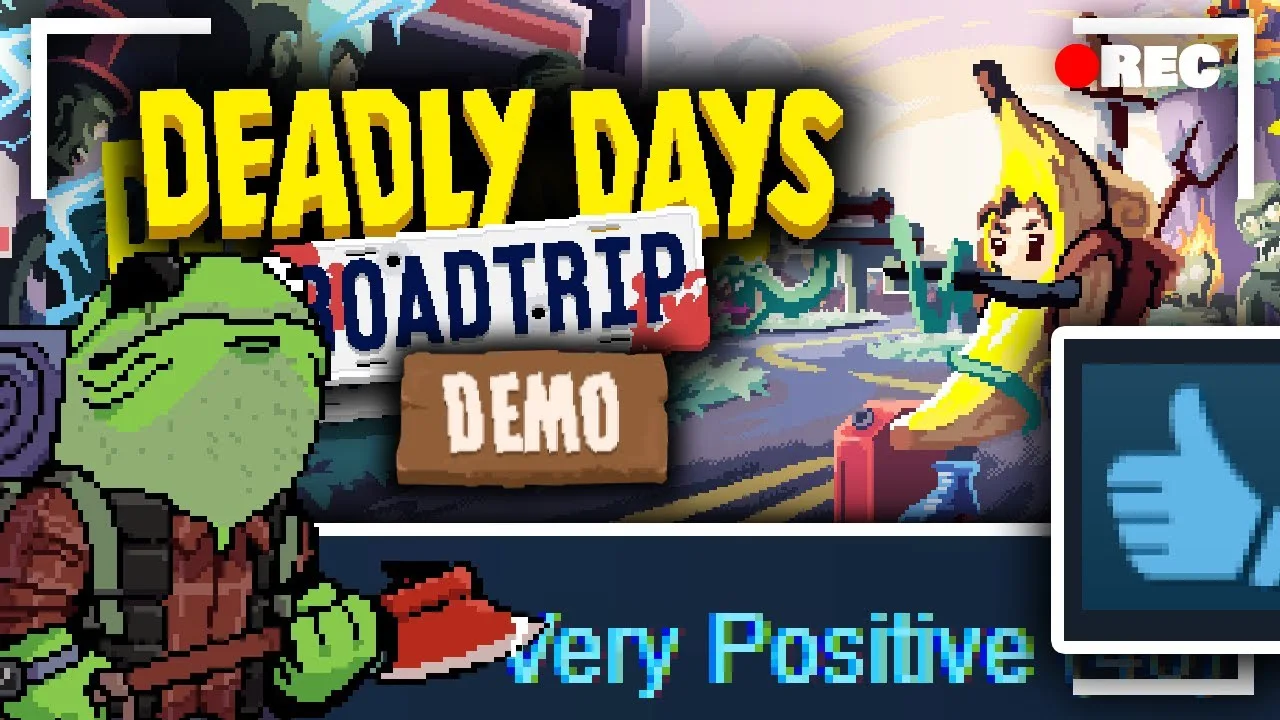
Is Deadly Days: Roadtrip worth it? Yes, if squeezing another weapon into your backpack sounds as satisfying as clearing a street full of zombies. Its appeal comes from making those two activities feed each other: better inventory arrangements help you survive longer, and staying alive gives you more opportunities to scavenge.
The strongest reasons to buy are its equipment synergies, decisions about when to leave each map, and co-op that lets two backpacks interact. The biggest reservation is repetition. Different equipment combinations can change your damage engine without substantially changing the routine of gathering fuel, dodging enemies, and returning to the bus.
Version 1.0 launched on October 29, 2026, following Early Access. Judge the purchase around that expanded version, especially if older complaints about limited equipment or missing co-op put you off.
The Backpack Is the Main Attraction
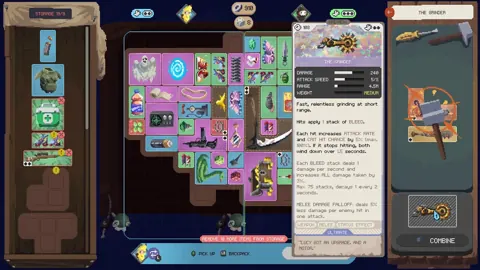
Your backpack determines which weapons and items contribute to your build. Space matters, but placement matters just as much: equipment can strengthen neighboring or specifically marked items, creating connections that a simple damage upgrade cannot replace.

Weapons also have hand requirements. Fitting another gun into the grid does not automatically mean you can equip it; items such as the Robot Arm expand that capacity.
The interesting decisions come from balancing several needs:
- Available space: Fit weapons, support items, and backpack expansions into a useful arrangement.
- Item targeting: Rotate and position equipment so its marked spaces affect the intended items.
- Weapon capacity: Account for hand requirements alongside the backpack footprint.
- Merging and crafting: Combine equipment into stronger versions or craft different weapons.
Version 1.0 adds particularly interesting tools for manipulating these relationships. The Hand Mirror copies effects hitting a marked item onto the marked item opposite it. The Cogwheel connects marked triggerable items so activating one can set off the others, with each item triggering once per chain.
Position these items around effects you already use. Check their marked spaces after rearranging the bag, and use Auto Equip when you want help finding an open position that accounts for synergies.
If inventory management usually feels like an interruption, consider how central it is here. Building the arrangement is a substantial part of the entertainment.
Scavenging Gives Every Stop a Deadline
Each stop requires enough fuel to get the bus moving again. You can keep searching for equipment, but enemy pressure increases as time passes.
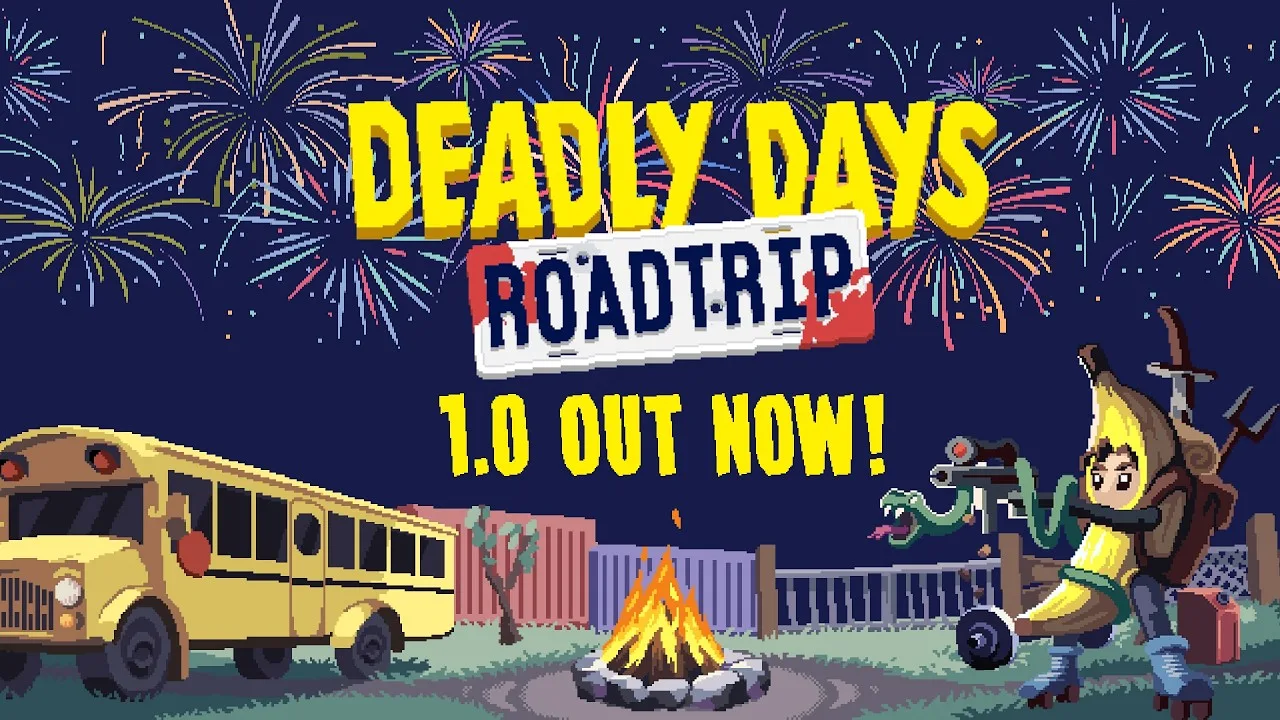
That creates a useful tension: leaving promptly protects the current run, while staying gives you more chances to improve the build for the next area. A promising loot spot can become an expensive distraction when your weapons are already struggling.
Collect fuel while exploring rather than leaving it until the map becomes dangerous. Once you have enough, weigh another detour against your current ability to clear enemies and reach the bus.
Procedurally generated levels and route choices add variation. Stops can include elite enemies, bonus XP, or a merchant selling cursed equipment. The decisions extend beyond which weapon to carry; they also include which risks to accept on the road.
What Version 1.0 Adds to the Purchase
The full release brings the combined weapon and item selection to over 110, alongside additional locations, tutorial changes, and expanded co-op mechanics.
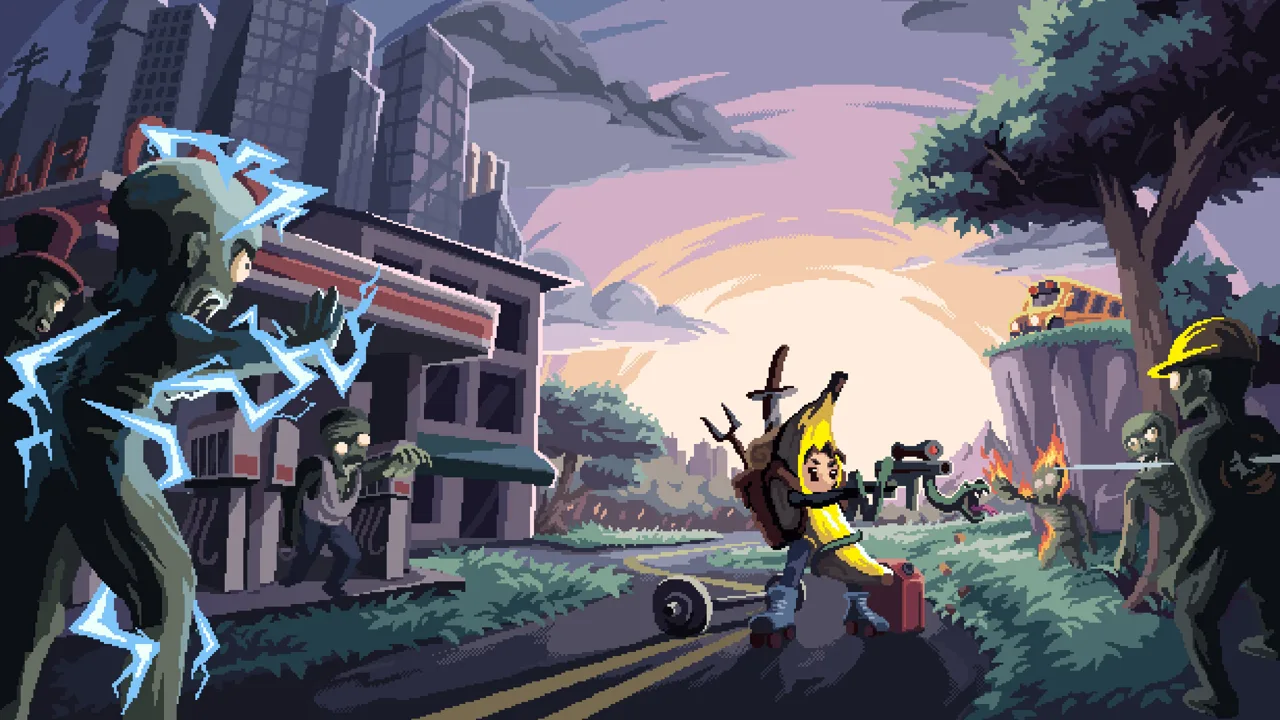 Image: PlayStation Store
These additions provide concrete reasons to revisit the game after Early Access:
| Version 1.0 addition | What it brings to a run |
|---|---|
| 10 new weapons | Five are craftable, including the Flamethrower, Crossbow, and The Grinder. |
| 16 new items | Options include the Hand Mirror, Cogwheel, Teleporter, and Shield Generator. |
| Vampire | Starts without a weapon and uses bats that deal melee damage and have a chance to steal life; another bat joins at each level-up. |
| Laz | Adds a fifth final boss. |
| Coffee stand | Provides coffee for increased movement and loot speed, plus longer days. |
The Vampire offers a distinct starting setup for experimenting with melee effects. The Teleporter changes scavenging options: it takes you to an unlooted loot spot, or to the bus at night once all fuel is collected.
Other changes target everyday friction. The crafting recipe list prioritizes recipes you can make and displays ingredient quantities and rarity. Weapon tooltips show critical chance and critical damage. These improvements matter in a game where comparing equipment and rebuilding your inventory are recurring activities.
For returning players, existing Early Access saves work in version 1.0.
Co-op Connects Both Players’ Builds
Co-op supports playing together on a shared screen. For playing from separate homes, Steam Remote Play Together lets a friend join without buying another copy.
Version 1.0 makes cooperation part of inventory planning. Selectors can mark items in the other player's backpack, allowing effects to work across both inventories. Each backpack also gets an extra unlockable column.
Plan equipment placement together instead of treating each bag as a separate puzzle. Check whether a support item can benefit your partner's equipment before replacing it, particularly when one backpack has a stronger target for its effect.
Round-end statistics separate each player's contributions where possible and show a team total for statistics that cannot be assigned individually. Full controller support also makes the couch co-op option worth considering if that is how you prefer to play.
Replay Value Depends on Enjoying the Routine
Between trips, you can invest earned loot into upgrades and unlocks. Survivors bring different starting equipment and playstyles, while crafting and equipment discoveries provide more combinations to pursue.
Endless Mode gives you somewhere to keep scaling a build. Weekly Challenges provide a shared random survivor and modifiers, with everyone tackling the same setup. In version 1.0, those challenges run at MKing response level 5.
The important distinction is between equipment variety and activity variety. Discovering another interaction can make inventory planning exciting while leaving the broad objectives familiar. Expect to keep scavenging, collecting fuel, managing crowds, and preparing for bosses.
Early Access complaints included slow progression and uneven weapon balance. Version 1.0 changes progression rewards and several weapons, including a 25% Katana damage increase across its rarities. Experiment with the current equipment rather than copying older assumptions about which weapons deserve backpack space.
Choose this game for the pleasure of making familiar objectives work with increasingly elaborate builds. If that experimentation loses its appeal quickly, additional unlocks alone are unlikely to sustain your interest.
Check Your PC Before Buying
The PC version supports Windows and requires a 64-bit processor and operating system. Its minimum requirements include:
- OS: Windows 10 or higher
- Processor: Intel Core i5-6600K or AMD Ryzen 5 3600
- Memory: 8 GB RAM
- Graphics: A dedicated graphics card, such as an NVIDIA GeForce GTX 1050 Ti or AMD RX 570
- Storage: 2 GB available space
Compare those requirements with your hardware, then visit the Deadly Days: Roadtrip Steam page to review the current price and purchase options.
Continue with
 Deadly Days: Roadtrip Difficulty and Survival GuideLearn how Deadly Days: Roadtrip difficulty works, what MKing Response Level changes, and how coffee, loot runs, and backpack synergies help you survive.
More in Guide
See all Guide
Continue exploring
Join the community
Official channels for news, updates and player help: